

Download KGB Archiver – Free, Secure File Compression Tool for Windows, Mac & Android
KGB Archiver is a powerful, free file compression tool designed for users who need reliable, fast, and secure ways to manage their digital files. Whether you're a student, professional, or casual user, this lightweight software helps you compress, encrypt, and split archives with ease. With support for multiple formats like ZIP, RAR, 7Z, and TAR, KGB Archiver ensures maximum compatibility across devices and platforms.
Its intuitive interface makes it accessible even for beginners, while advanced features such as AES-256 encryption and multi-part archive splitting cater to power users. The software is completely free to download and use, with no hidden fees or trial limitations. Ideal for reducing file sizes for email attachments, optimizing storage space, or securely sharing sensitive documents, KGB Archiver stands out as a top-tier alternative to paid tools like WinZip and WinRAR.
Key Features of KGB Archiver
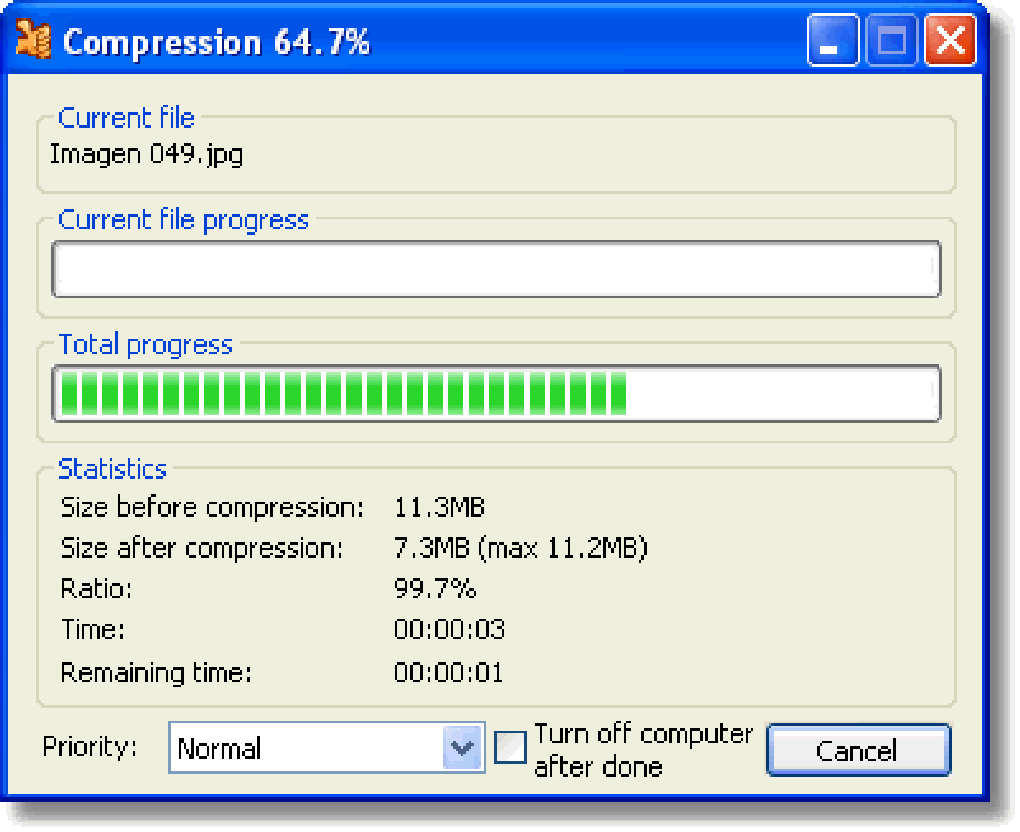
KGB Archiver offers a robust set of features that make it a standout choice among free compression tools. One of its most impressive capabilities is support for multiple archive formats, including ZIP, RAR, 7Z, TAR, and more. This versatility allows users to create and extract archives regardless of the source format, eliminating compatibility issues. The software also includes advanced compression algorithms that significantly reduce file sizes without compromising data integrity. This is particularly useful when sending large files via email or uploading them to cloud storage with size limits.
Security is a top priority in KGB Archiver. It supports AES-256 encryption, one of the strongest encryption standards available, ensuring your sensitive files remain protected from unauthorized access. Whether you're storing financial records, personal photos, or confidential work documents, you can rest assured that your data is safe. The software also allows users to split large archives into smaller, manageable parts—ideal for transferring files over email or uploading to platforms with file size restrictions.
Another notable feature is its lightweight design. Unlike heavier compression tools that consume excessive system resources, KGB Archiver runs smoothly on older or low-spec machines. It’s optimized for speed, delivering fast compression and extraction times. The user-friendly interface is clean and straightforward, making it easy to navigate even for those with minimal technical experience. Additionally, the tool integrates seamlessly with the Windows context menu, allowing quick access to compression and extraction functions with just a right-click.
Installation & Usage Guide
Installing KGB Archiver is a straightforward process that takes less than a minute. Begin by visiting the official website and downloading the latest version of the software. The installer is available for Windows (both 32-bit and 64-bit), and there are also versions for Mac and Android, ensuring broad accessibility across devices. Once downloaded, run the installer and follow the on-screen prompts. The setup wizard is simple and requires minimal input—just choose your preferred installation directory and confirm.
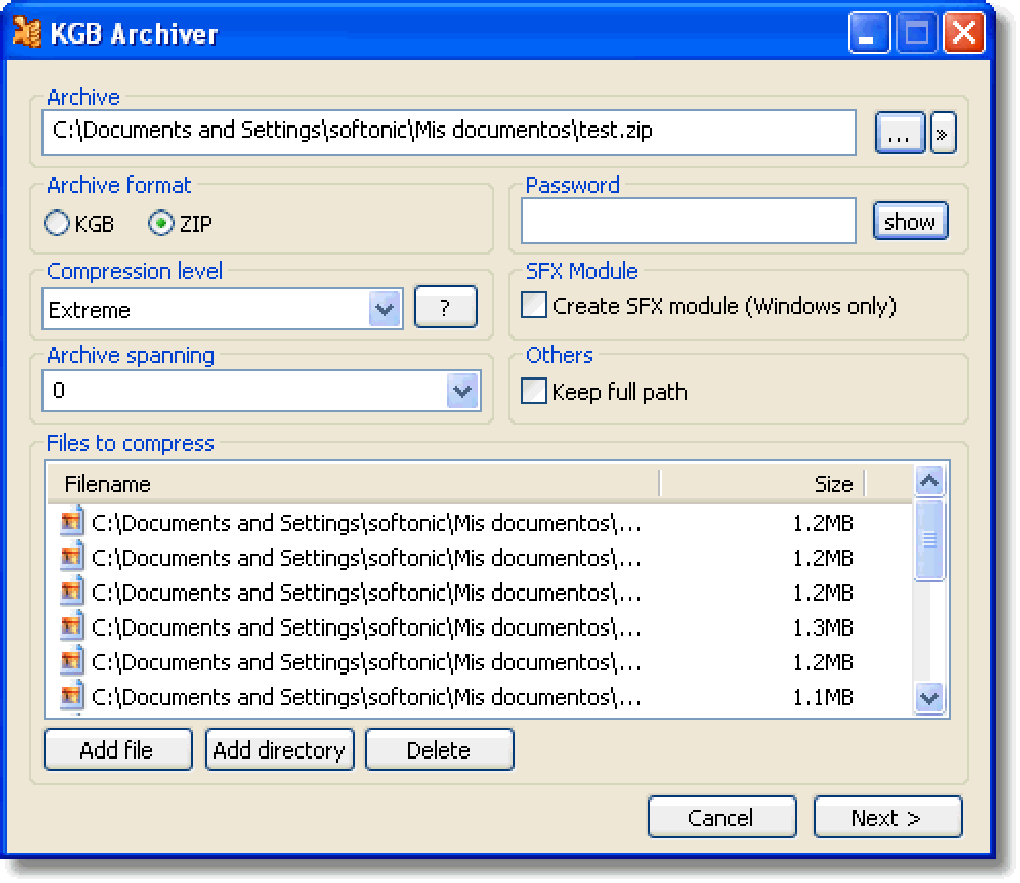
After installation, launch KGB Archiver from your desktop or Start menu. The main interface is clean and intuitive, featuring a file browser on the left and a toolbar with common actions on the top. To compress a file, simply select the files you want to archive, click the “Create Archive” button, and choose your desired format (ZIP, 7Z, etc.). You can also set compression level (from fast to maximum), add a password, and enable encryption. For splitting archives, check the “Split archive into parts” option and specify the size of each part.
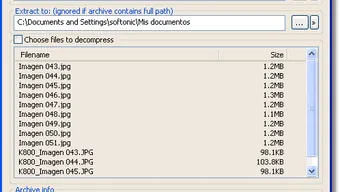
To extract files, open the archive in KGB Archiver and click “Extract.” You can choose a destination folder or extract all files to the current directory. The software also supports batch processing, allowing you to compress or extract multiple files at once. For advanced users, KGB Archiver offers command-line support, enabling automation through scripts. This makes it a versatile tool not just for personal use but also for system administrators and IT professionals managing large-scale file operations.
Compatibility & System Requirements
KGB Archiver is designed to run efficiently on a wide range of operating systems. It supports Windows 7, 8, 10, and 11 (both 32-bit and 64-bit), as well as macOS (10.12 and later). For mobile users, there’s a dedicated Android app available on the Google Play Store, allowing you to compress and extract files directly from your smartphone or tablet. This cross-platform availability makes it an excellent choice for users who work across multiple devices.
System requirements are minimal, ensuring compatibility even on older hardware. The software requires at least 100 MB of free disk space and 512 MB of RAM. It runs smoothly on machines with Intel Core 2 Duo or equivalent processors. The lightweight nature of KGB Archiver means it won’t slow down your system during compression tasks. It’s also compatible with external storage devices, making it ideal for managing files on USB drives, external hard disks, and cloud-connected folders.
One of the key advantages of KGB Archiver is its ability to handle large files and archives without crashing or freezing. Whether you're compressing a 5 GB video file or a folder full of high-resolution images, the software maintains stability and performance. It also supports Unicode filenames, which is essential for users working with non-Latin scripts. This level of compatibility ensures that users from different regions and language backgrounds can use the tool without encountering encoding issues.
Pros and Cons
- Pros:
- Completely free to download and use with no trial limitations
- Supports multiple archive formats including ZIP, RAR, 7Z, and TAR
- Offers AES-256 encryption for secure file protection
- Lightweight and fast, even on older or low-spec systems
- Allows splitting archives into smaller parts for email or cloud uploads
- Intuitive interface suitable for beginners and advanced users alike
- Available for Windows, Mac, and Android devices
- Regular updates ensure security and performance improvements
- Cons:
- Limited official support channels (community-driven help)
- No built-in cloud sync integration (unlike some modern tools)
- Interface, while functional, may feel outdated compared to newer apps
- Advanced features require some technical knowledge to use effectively
- Mobile app lacks some desktop-level functionality
Frequently Asked Questions (FAQ)
Is KGB Archiver really free to use?
Yes, KGB Archiver is completely free for personal and commercial use. There are no hidden fees, subscription models, or trial periods. The developers offer the software under an open-source license, allowing users to download, use, and distribute it without restrictions.
Can I use KGB Archiver to open RAR files?
Yes, KGB Archiver can extract RAR archives without any issues. It supports reading and decompressing files from RAR, ZIP, 7Z, TAR, and other common formats, making it a versatile tool for managing different types of archives.
Does KGB Archiver support encryption?
Absolutely. KGB Archiver uses AES-256 encryption, one of the most secure encryption standards available. You can set a password when creating an archive to protect your files from unauthorized access.
Can I split large archives into smaller files?
Yes, this is one of KGB Archiver’s standout features. You can split large archives into smaller parts (e.g., 100 MB each) to make them easier to send via email or upload to cloud services with size limits.
Is KGB Archiver safe to download?
Yes, as long as you download KGB Archiver from the official website, it is safe and secure. The software is open-source, meaning its code is publicly available for review, reducing the risk of malware or hidden backdoors.
Final Verdict & Call to Action
KGB Archiver is one of the best free file compression tools available today. With its combination of speed, security, and versatility, it offers a compelling alternative to paid software like WinZip and WinRAR. Whether you're compressing files for storage, sharing sensitive data, or managing large projects, KGB Archiver delivers reliable performance across Windows, Mac, and Android devices.
Its support for AES-256 encryption, multi-part splitting, and multiple archive formats makes it a must-have tool for both casual users and professionals. While the interface may feel slightly dated and support is community-based, the software’s core functionality remains top-notch.
Download KGB Archiver today and experience fast, secure, and free file compression on any device.







